Three honest builds. Three real budgets.
Every sim question eventually becomes 'for $X, what do I get?' Here are the three answers we stand behind, with what each one compromises on, spelled out.
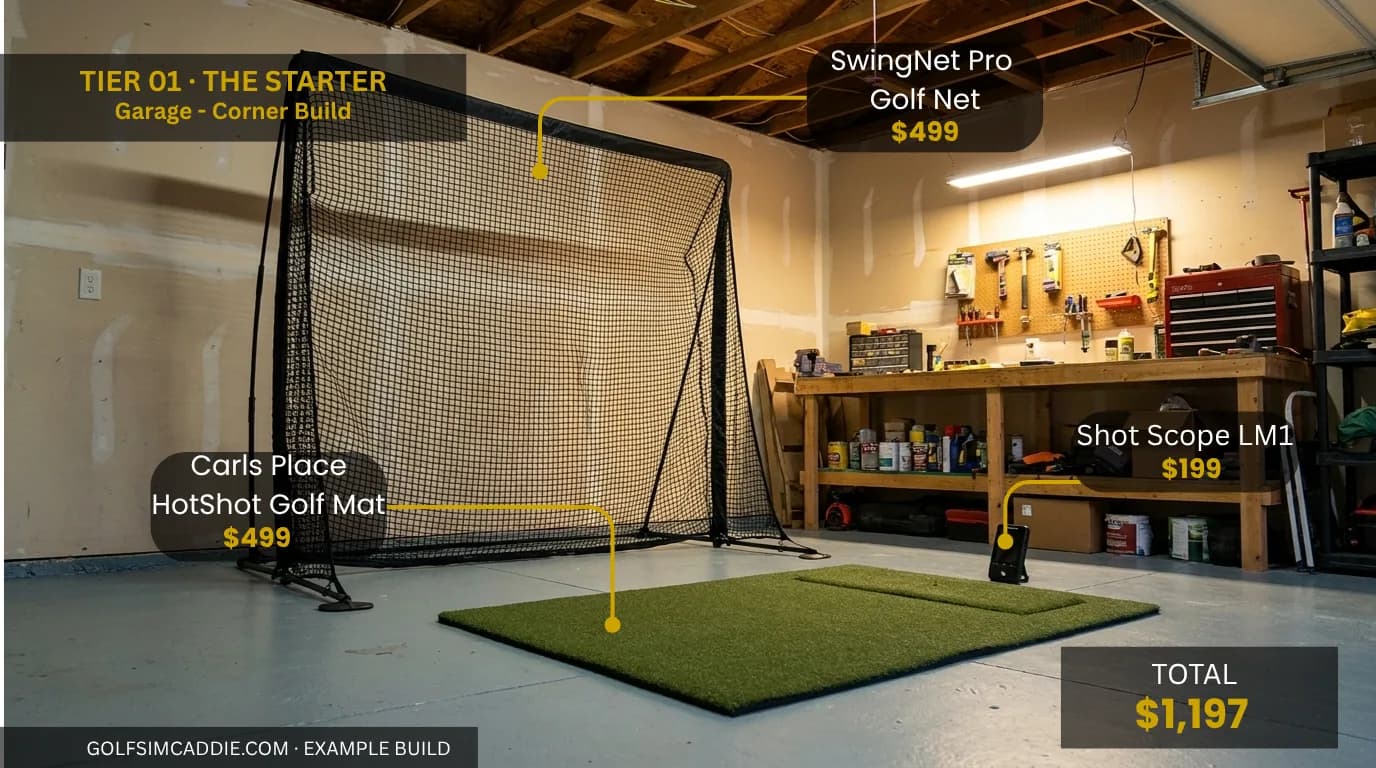
Starter / Garage-Corner Build
The simplest three-piece starter.
A Shot Scope LM1 for self-contained ball-flight numbers, a Carl's Place HotShot mat to hit off, and a SwingNet Pro to catch balls. No projector, no PC, the absolute minimum to start hitting real shots indoors.
- First sim, want to learn without overcommitting
- Garage corner or corner of a spare room, no dedicated space
- Practice-focused use, distance feedback and swing drills, not course play
- Want on-screen course play (this build is net + data only, no projector)
- Need accurate club-path data for lessons or fitting
- Want a full enclosure and impact screen
- Lowest possible entry point, under $1,500 for a functional setup
- No projector or PC required, plug-and-play launch monitor
- Compact footprint fits any garage corner or spare-room layout
- No projected course play, data-only practice
- Entry-level launch monitor metrics (ball + basic club data only)
- Not an immersive sim experience, more of a smart driving range
From here, the honest next step is the The 14 × 16 Standard , photometric data, projector on a screen, proper enclosure.
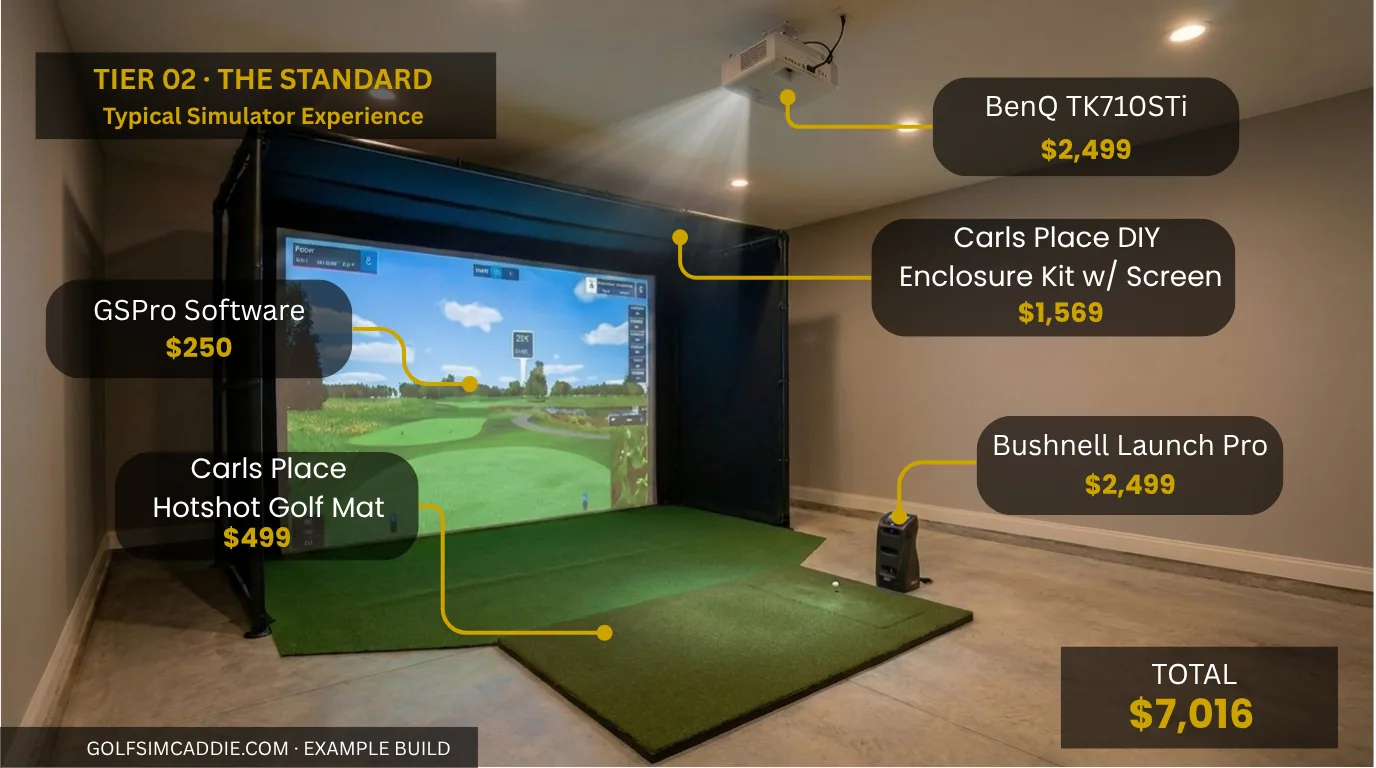
The 14 × 16 Standard
Photometric data, projector on a screen, proper enclosure.
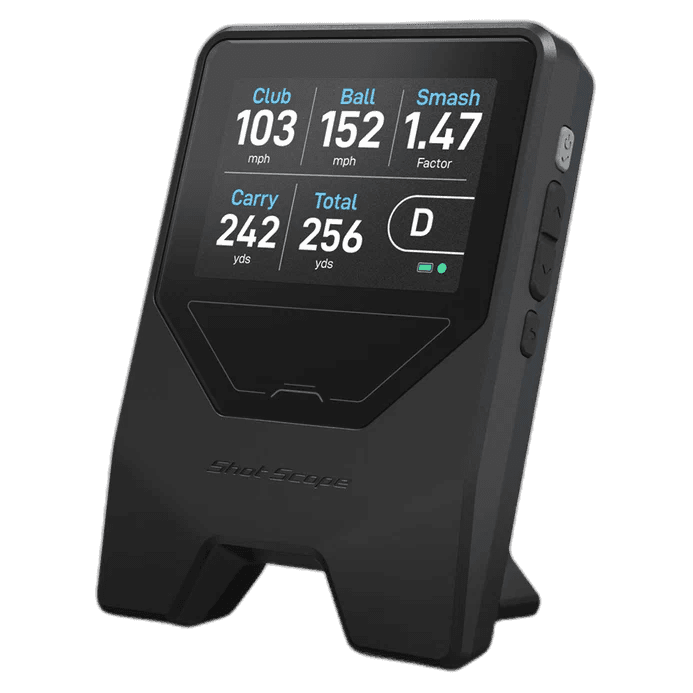
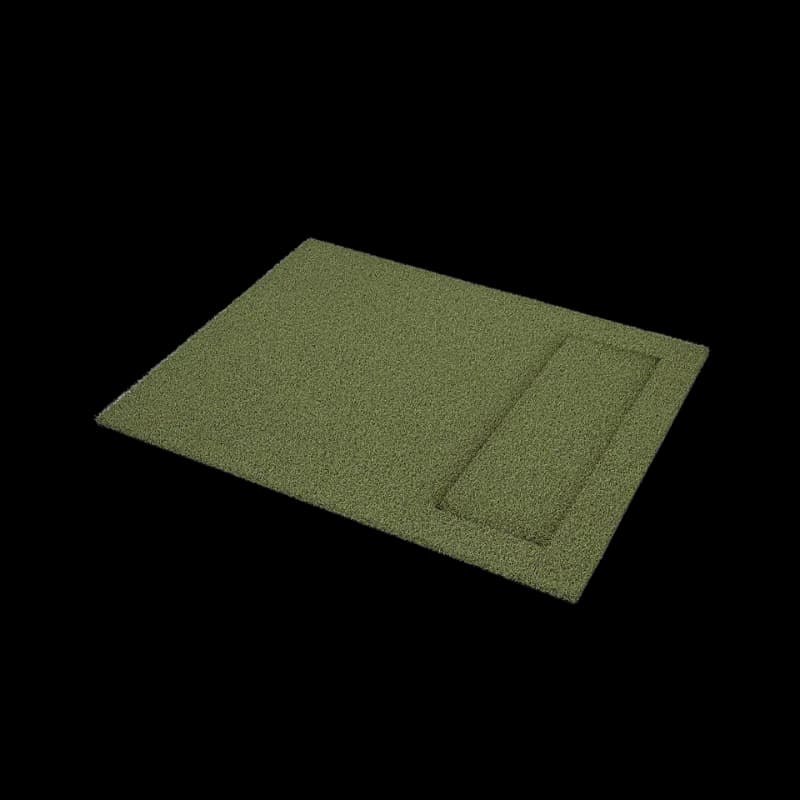
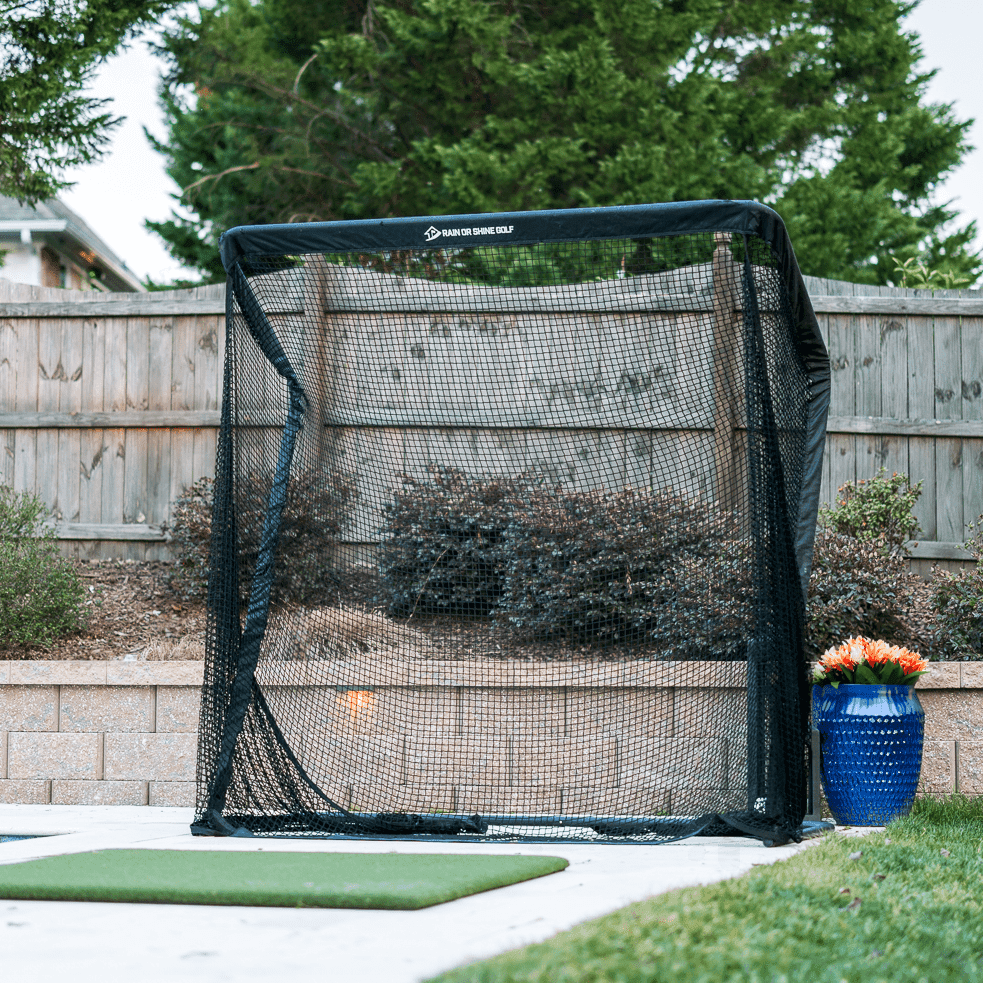
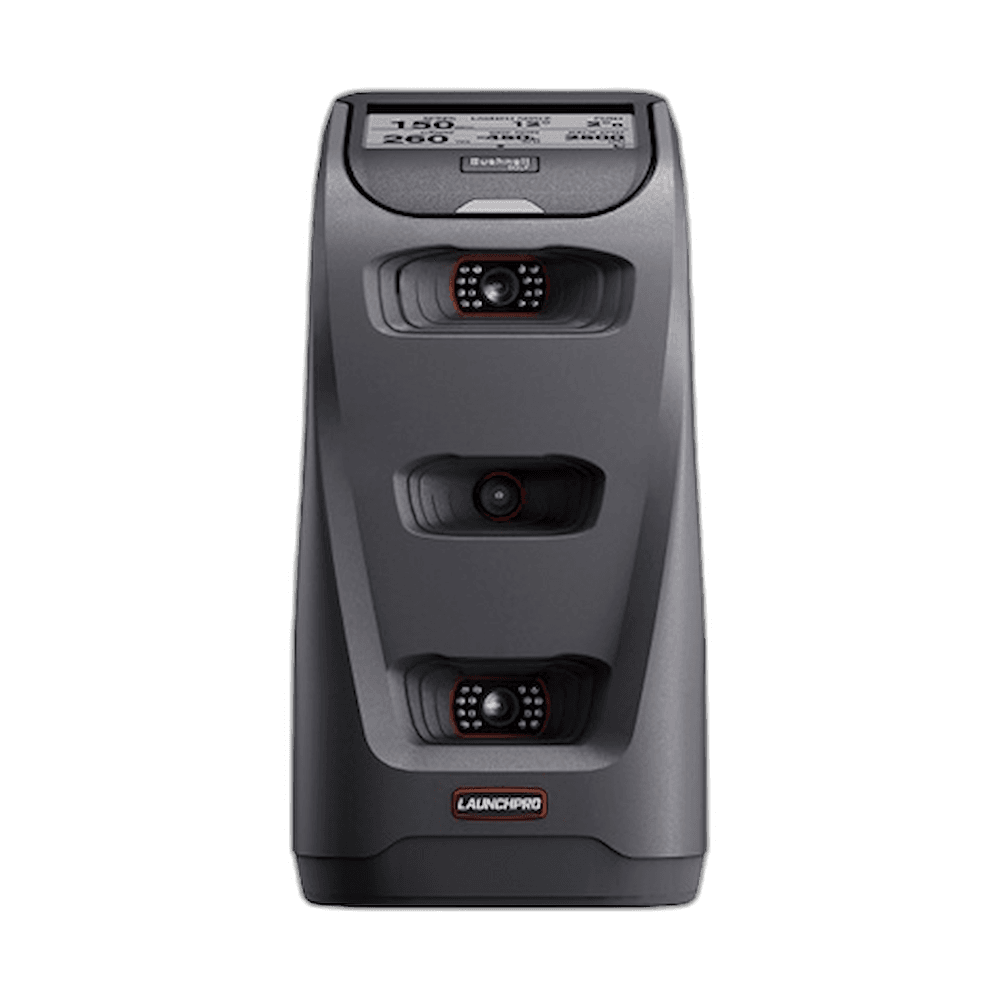
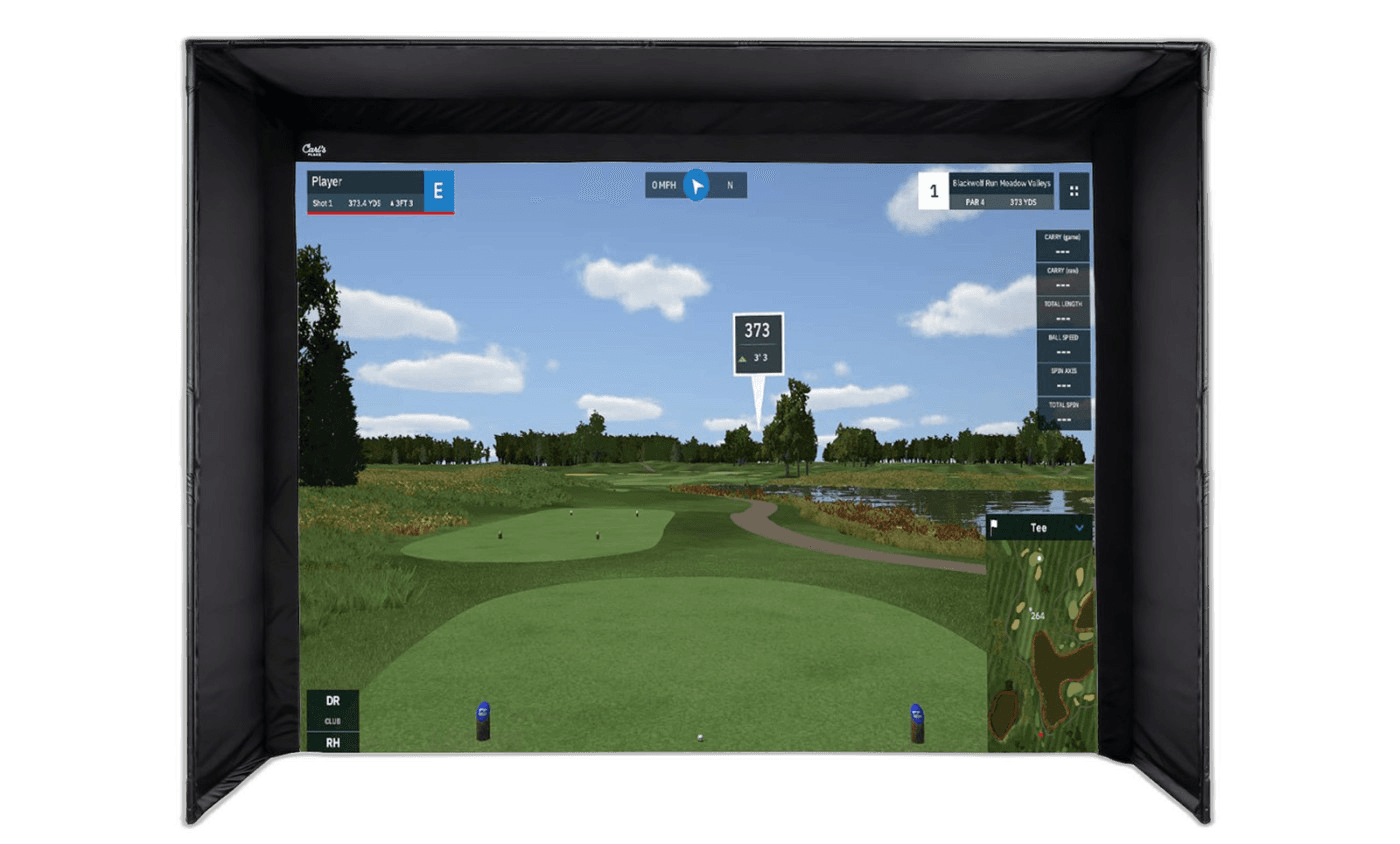
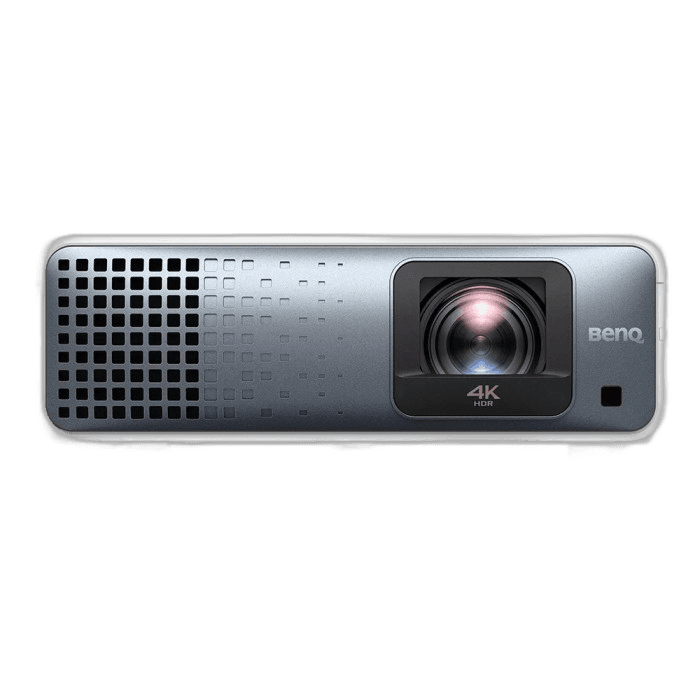
Bushnell Launch Pro for premium photometric ball+club data, BenQ TK710STi short-throw projector on a Carl's Place DIY enclosure, HotShot mat, GSPro software. A complete committed sim in a two-car garage footprint.
- Dedicated simulator space in garage or basement
- Want projection + accurate club data
- Comfortable setting up a sim PC (PC sourced separately)
- Low ceilings (under 9')
- Shared / family room spaces
- Looking for tour-grade lab accuracy
- Immersive projector experience with larger screen
- Accurate club and ball data tracking
- Comfortable swing experience
- Good balance of cost and features
- Ceiling height affects swing freedom-taller ceilings provide more clearance
- Projector adds setup complexity
- Higher upfront cost than TV-based builds
- PC typically required for software
From here, the honest next step is the Premium / Dedicated Bay , tour-grade overhead tracking, laser projector, premium turf.
Premium / Dedicated Bay
Tour-grade overhead tracking, laser projector, premium turf.
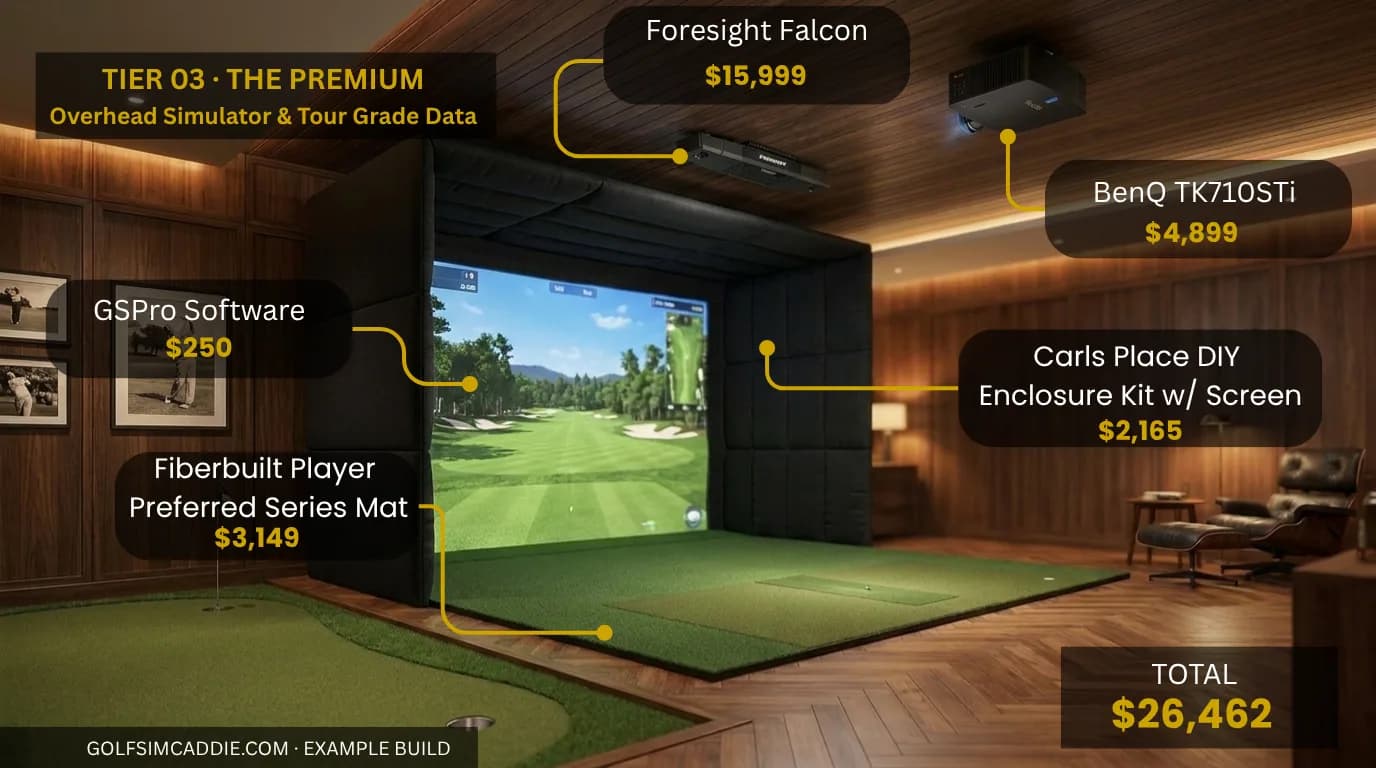
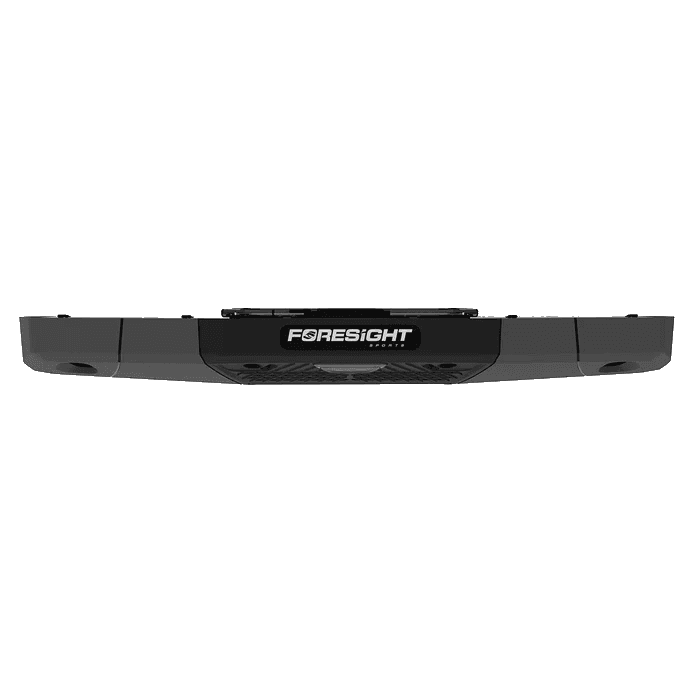
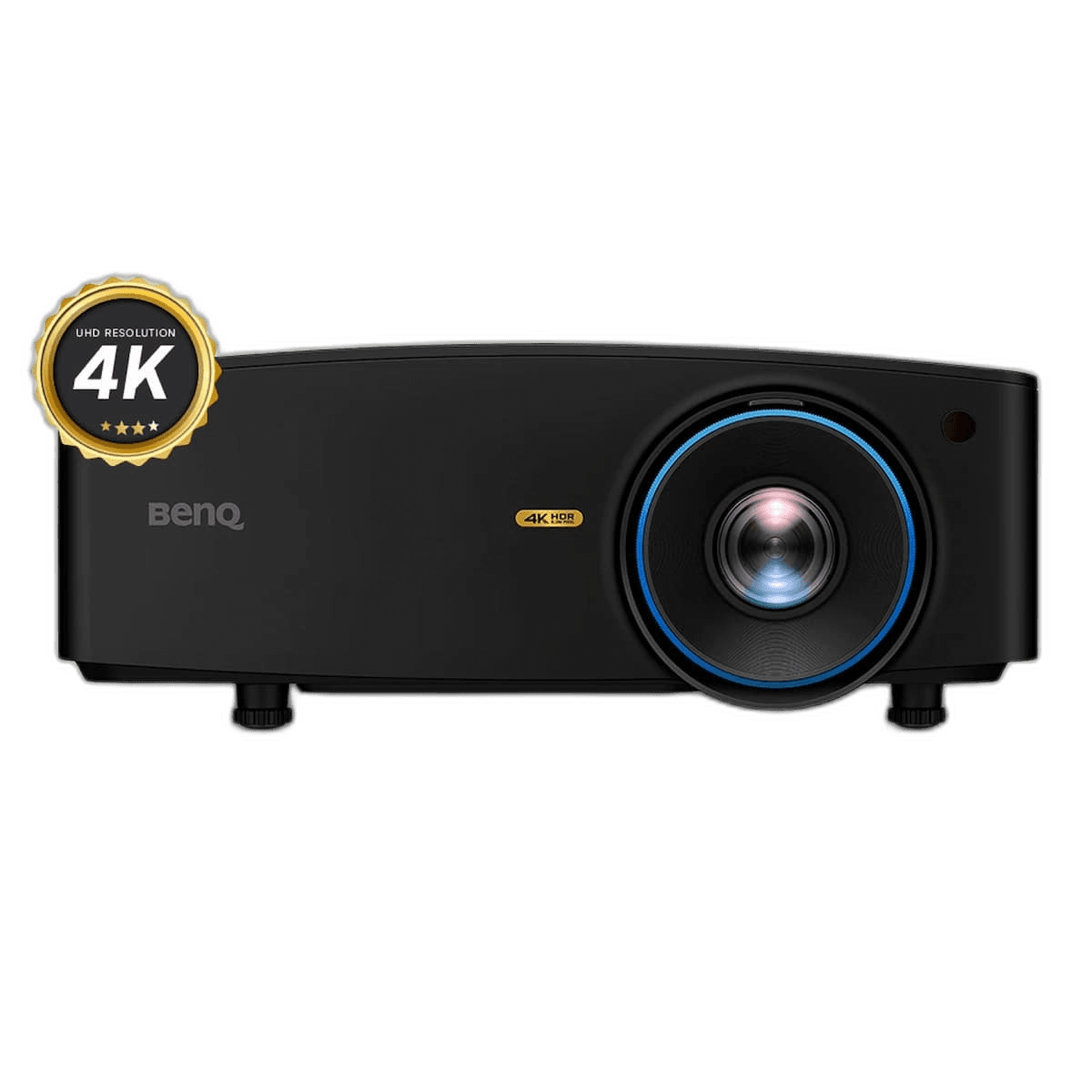
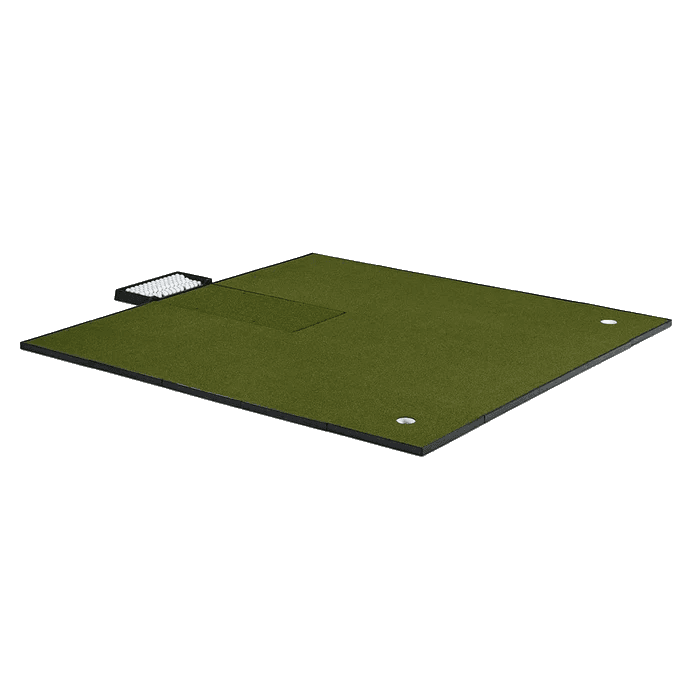
Foresight Falcon overhead photometric for tour-grade data without obstructing the floor, BenQ LK936ST laser short-throw, Carl's Place DIY enclosure sized up, Fiberbuilt Player Preferred Combo Mat with integrated putting green, GSPro software. Built for a dedicated simulator room.
- Dedicated simulator room with high ceilings
- Teaching, club-fitting, or tour-level practice needs
- Already own or can source a capable Windows PC
- Garage with limited ceiling height
- Budget-sensitive first builds
- Spaces where the sim shares the room with other uses
- Tour-level tracking accuracy
- Maximum screen size and immersion
- Unrestricted swing experience
- Professional-grade components throughout
- Significant upfront investment required
- Best suited for dedicated rooms with generous ceiling height
- Complex setup and calibration
- Ongoing software subscription costs
The builder walks ten short questions and lands you on the right tier for your room and budget, with the tradeoffs spelled out.