Buy the accessory that fixes a problem you have noticed during practice. A room that already works does not need a new shopping list.
If you keep walking back to the PC, start with its controls. If balls roll under the workbench, sort out storage. Neither problem calls for a new launch monitor.
These four picks cover small annoyances in an existing simulator. Each has a reason to buy and a reason to leave it alone.
How we chose: we built this guide from source checks. We have not tested these picks in a home bay. The tee link opens a search so you can compare packs and colors.
Affiliate disclosure: as an Amazon Associate I earn from qualifying purchases. If you buy through an affiliate link here, we may earn a commission at no extra cost to you.
Start with the interruption you want to remove
- Walking to the PC between shots: keyboard and touchpad.
- Lining up differently each session: alignment sticks.
- Chasing loose balls across the floor: ball tray.
- Fighting a tee that does not suit the mat: tees that sit on top.
Already have a way to handle all four? Keep your money. The GSPro realism settings guide gives you something useful to check without buying anything.
A keyboard with a touchpad keeps the PC within reach
Choosing a course or changing a player's name gets old when the keyboard lives behind the hitting area. For a Windows PC running GSPro, the Logitech K400 Plus puts typing and pointer control in one device.
The K400 Plus has a touchpad and a USB receiver. Check for a free USB port on your PC. It does not connect through Bluetooth.
Buy it if you want PC controls you can move around the room. Keep it on a shelf outside the swing area.
Skip it if your current mouse and keyboard are easy to reach. It also does not turn an iPad-based setup into a PC simulator.
Spend nothing instead: move your existing controls to a safe, reachable spot first. If that works, you have solved the problem.
Use an alignment reference before changing your aim settings
A straight reference on the floor gives you something repeatable to line up against. That matters when the screen is offset and the room offers no obvious target line.
GoSports' folding alignment sticks are an option if you also want to take them to the range. Keep them outside the hitting and ball-detection areas. Follow your launch monitor's alignment instructions before judging its readings.
Buy them if you want a reusable reference for setup and practice. Check that the rod length fits your available floor space.
Skip them if your mat already has a clear reference that matches the monitor's target line. Sticks cannot correct a misaligned sensor or the wrong software offset.
Spend less instead: a removable tape line may do the job. Test the tape on a hidden patch of flooring first.
For the software side, read the offset section in our GSPro settings guide. Change one thing at a time so you know what helped.
A ball tray earns its floor space when loose balls are a nuisance
The GoSports All-Weather tray has a front lip for scooping balls onto the mat. Its 70-ball model suits a practice area where loose balls keep spreading across the floor.
Buy it if you keep several balls beside the mat and want them contained. Place it outside your stance and walkways.
Skip it if you reuse one or two balls, or the extra tray crowds a narrow room. Capacity you do not use still takes up space.
Spend nothing instead: try a low container you already own. You may prefer that to a tray, especially in a garage that still needs to hold a car.
A tray can also make a GSPro party session tidier. It does not change where guests can safely stand.
Match simulator tees to the mat and tracking system
If your mat will not hold a normal tee, a tee that sits on top is worth comparing. BirTee's variety pack includes eight sizes, which gives you a way to find a height that suits your clubs.
Check the color before buying. BirTee recommends dark colors such as black, blue or green for camera-based systems. Its guidance warns that light colors can cause misreads. Follow the current guidance for your particular monitor too.
Buy them if your tees will not stand at the right height. Check from the mat's surface to the top of the tee. A pack photo will not tell you how it fits.
Skip them if your mat already holds ordinary tees well. An extra pack will not improve the swing or fix a launch monitor's placement.
Compare instead: a rubber range tee sized for your mat. Check how it fits before choosing one.
Leave these upgrades off the list for now
A new mat because you want somewhere to store balls. Storage is a separate problem. Replace a mat for its hitting surface, fit or condition.
Generic foam sold as ceiling protection. Padding does not create swing clearance. Do not use it to justify a swing that reaches the ceiling. Check the room dimensions and the protection manufacturer's intended use.
Special balls without checking your monitor. Some systems require particular balls or markings. Follow the manufacturer's requirements before paying for a pack that may not suit your setup.
Pick one fix, then use the room
Choose the interruption that bothers you most. Check the matching accessory's size and fit, then compare the buying options above.
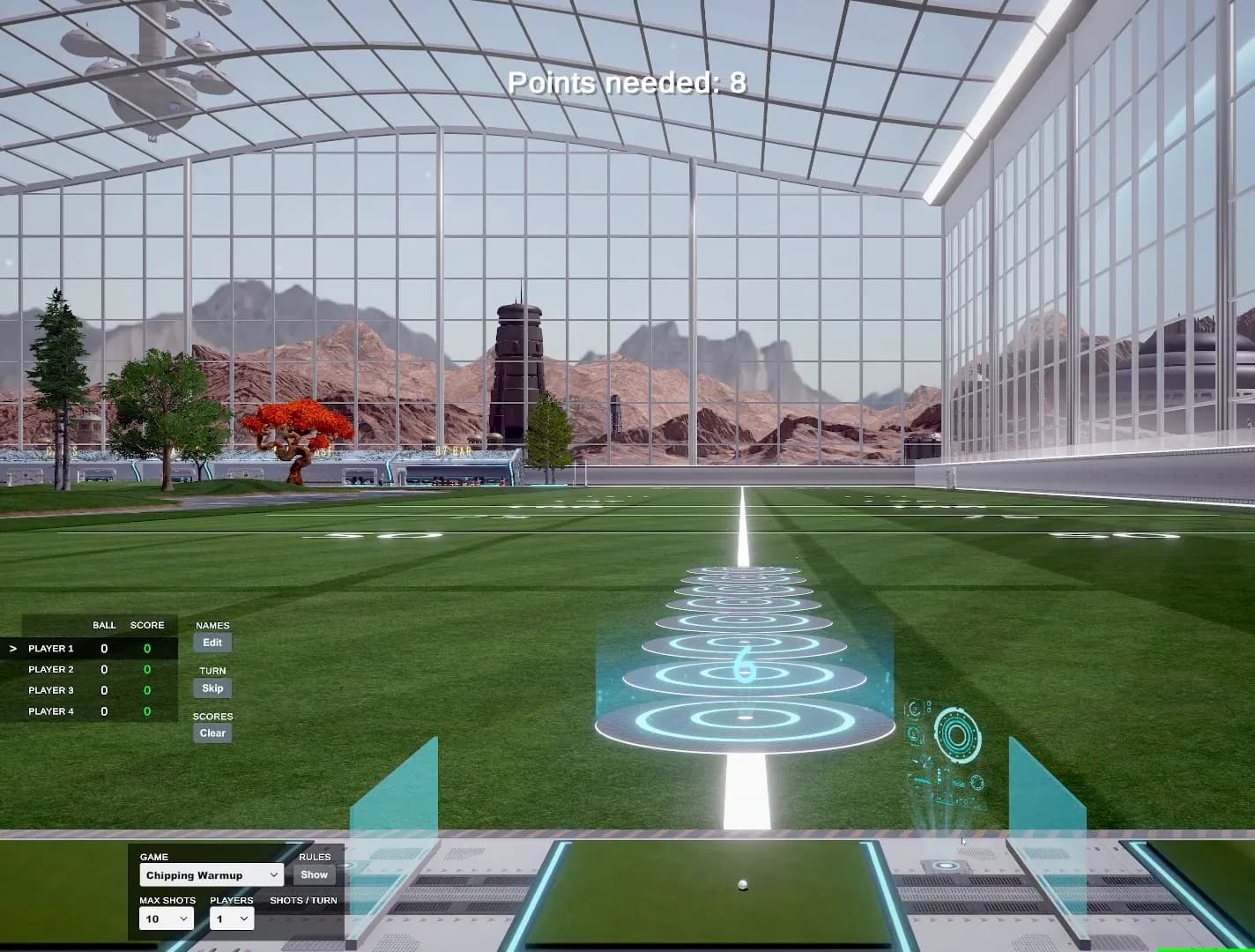
For your next practice session, try the GSPro chipping warm-up. A clear drill is a better reason to spend time in the bay than another delivery.
Sources and buying checks
Manufacturer references are linked beside each pick. Product details were checked on October 17, 2026. Amazon listings can change their selected variant, seller and availability; check those before ordering.
We do not display Amazon prices or star ratings here. These recommendations cover convenience and setup, not measured improvements to scoring or accuracy.